Personal build · Creative AI
A little world for your best friend.
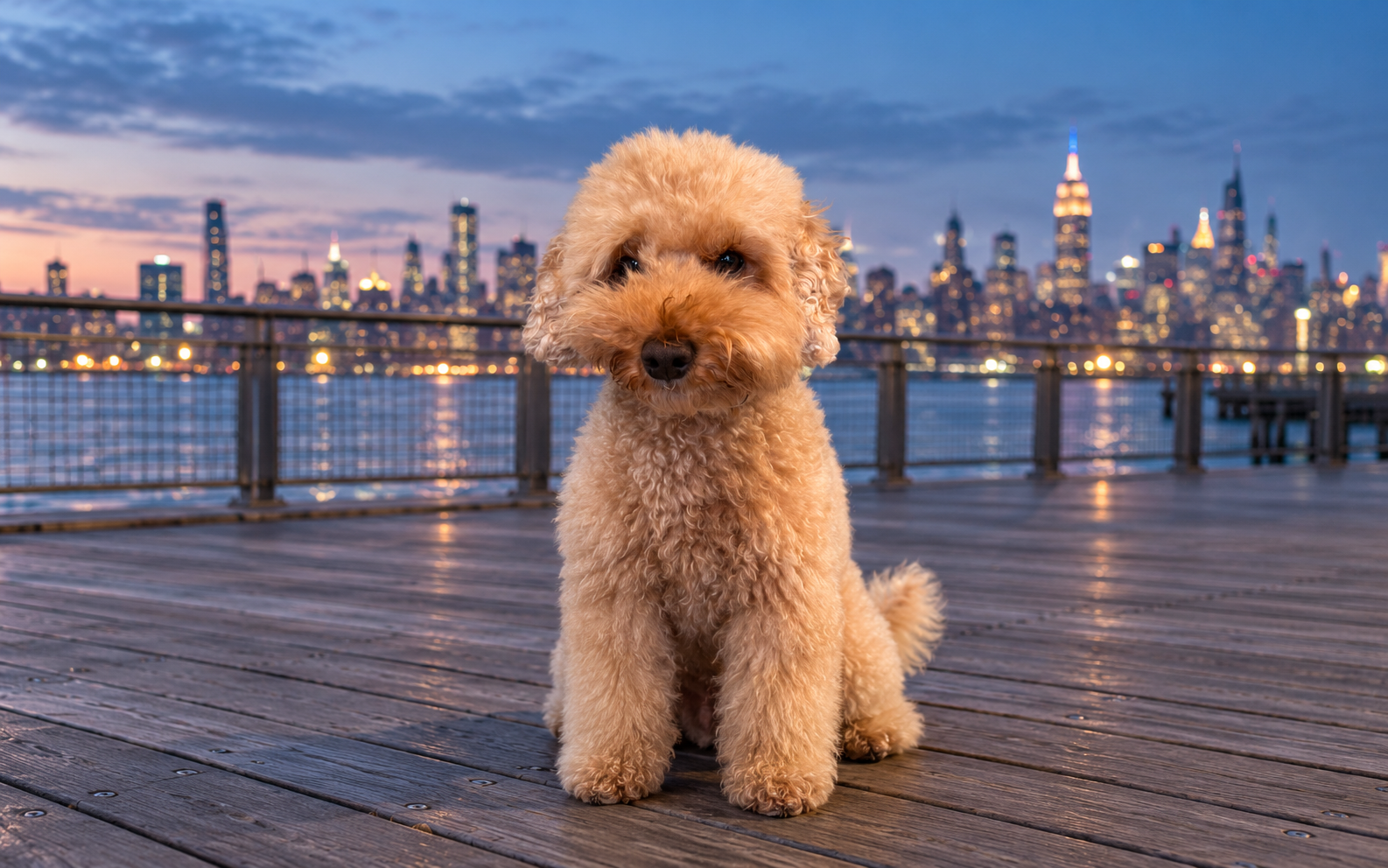
It started with Otto sitting on my Mac desktop, wagging his tail and looking toward my pointer. I’m turning that into a studio for other people’s pets.
Try the Otto demo (opens in a new tab)
Built from his approved artwork
Prepared-photo and motion approval
A separate reusable player
The problem
I wanted Otto on my desktop, looking like himself. A still picture wasn’t quite it. I wanted the small things: a breath, a blink, his tail, and a little attention when my pointer moved.
What I owned
The product direction: realistic likeness, a familiar setting, restrained motion, and an offline wallpaper that users control. The next step is a studio where people review their own pet before finishing the animation.
How it went
Start with Otto
His approved Williamsburg artwork became the interactive demo. The existing Otto app stays separate from the new player.
Keep photo selection local
The browser inspects a selected folder on the device. Users review the prepared copies before upload.
Make approval part of creation
The flow asks for a likeness check before the remaining assets, then a visual motion check before export.
Give the wallpaper a home
A data-only scene package opens in a reusable Mac player and works offline.
How I know it works
- Local checks: Package validation, spending races, malformed image rejection, HEIC decoding, and shared browser/Swift motion fixtures have been exercised.
- Still to prove: The full visual method across distinct dogs and cats, production sign-in and hosting, and a signed, notarized Mac download. The beta stays closed until these pass.
What I’d do differently
The next proof is broader than Otto. His demo is the starting point; the planned dog and cat validation will determine whether the same method is ready for other pets.